One switch decides how much freedom Raven has: talk about the script, change the script, or teach you to build it yourself.
Mode selection
The mode selector sits directly in the message box, so you can switch between turns.
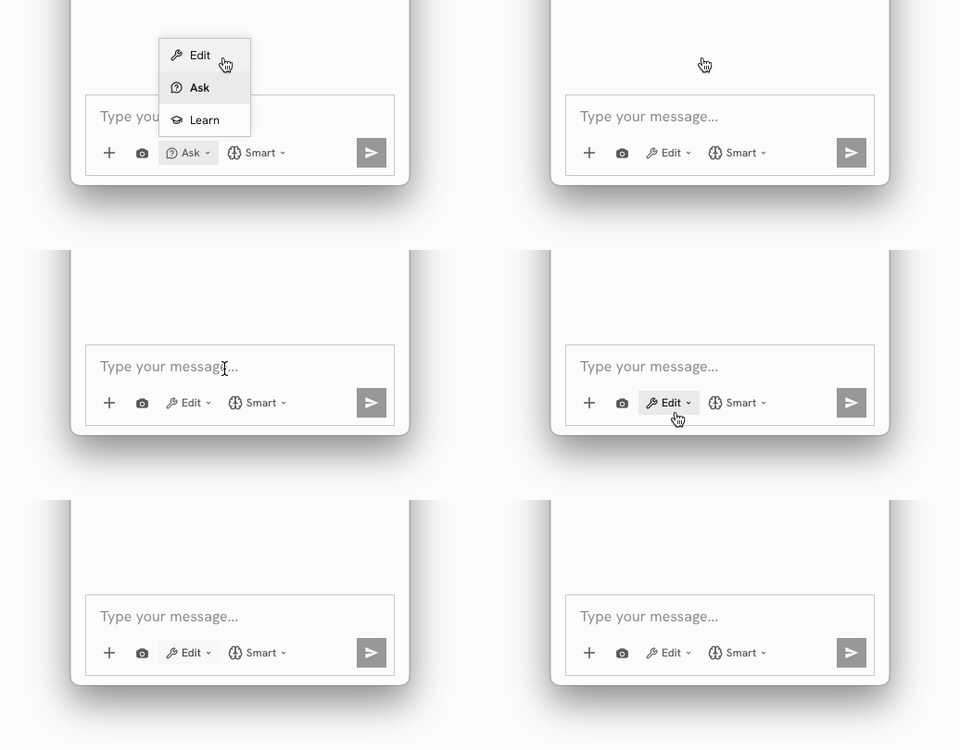
The three modes
| Mode | Raven can... | Use when |
|---|---|---|
| Edit | Add, remove, rewire, move, group and relayout components | You want the definition built or changed |
| Ask | See and discuss your script — no edits at all | Reviewing, understanding, debugging, estimating |
| Learn | Everything Edit can, but it will ask you to edit the script | You want to understand the workflow, not just get a result |
1. Edit mode — the default
Raven has the full toolset: it can diff the script, add and delete nodes, rewire connections, set values, create and label groups, move things around and relayout the canvas.
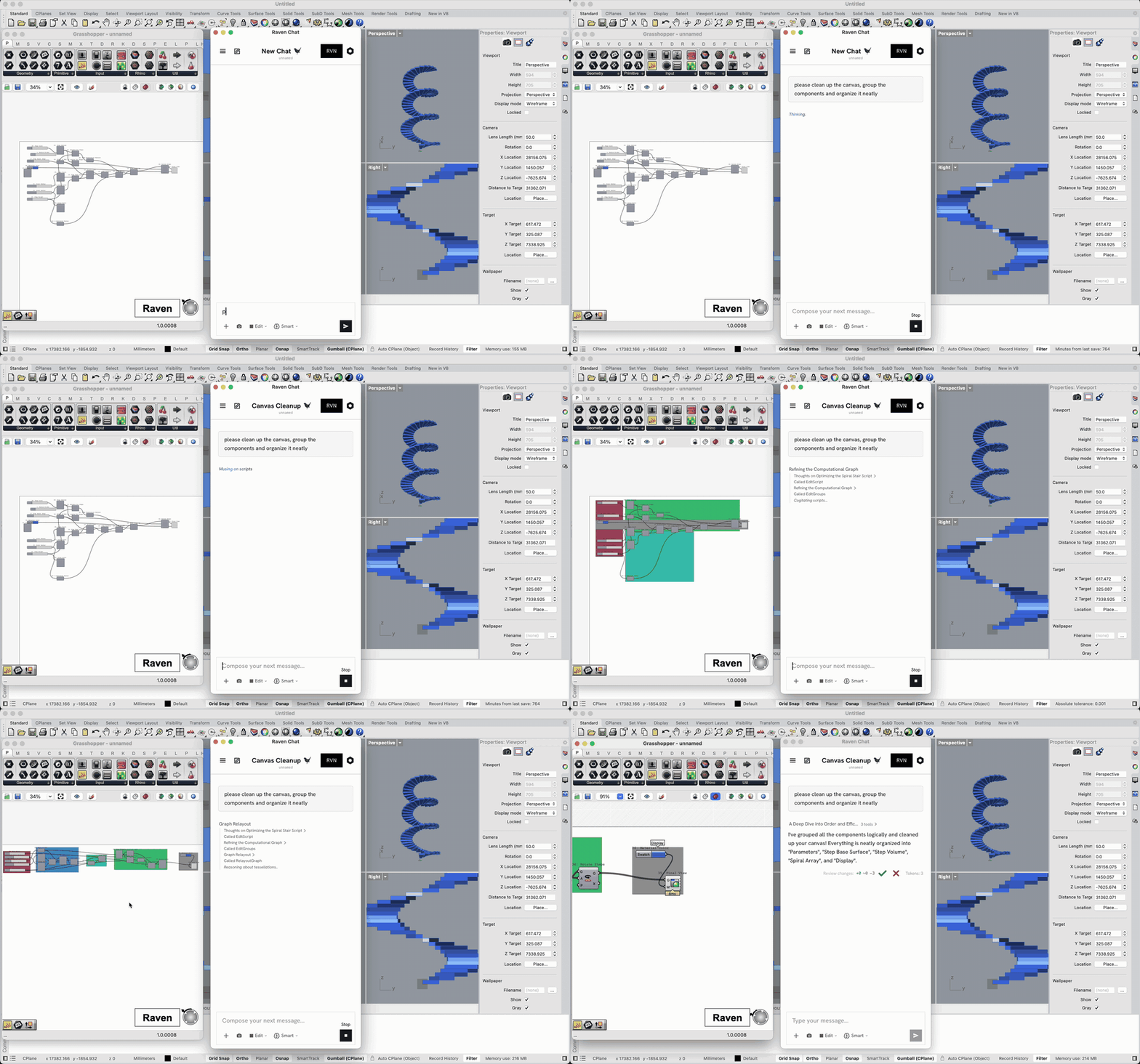
2. Ask mode — read-only, guaranteed
In Ask mode the editing tools are removed from Raven entirely. It cannot touch your canvas even if you ask it to.
This is the mode for:
- "What does this cluster do?"
- "Why is this component red?"
- "Walk me through this definition someone else wrote."
Raven still sees the full graph, so it answers with real knowledge of your script. It just can't change it.
3. Learn mode — teaching, not just doing
Learn mode has the same capabilities as Edit, but Raven works in teaching mode: it explains what it's doing and why, points you at the components involved, and builds the definition with you rather than for you.
Under the hood, Learn mode is a preset — it loads the official Raven Learn context profile automatically, overriding whatever profile you had selected. You don't have to find and activate anything. Switch back to Edit or Ask and your own profile selection returns.