Raven can point. Instead of writing "look at the Loft component near the middle", it selects it and zooms your canvas to it.
Why it matters
On a definition with 300 components, "the Loft component" is not an instruction — it's a scavenger hunt. Raven drives your canvas the way a colleague would lean over and point at your screen.
1. Selecting components for you
Raven can add components to your Grasshopper selection, so they highlight in the GUI exactly as if you'd clicked them.
Two behaviours:
- Add to selection — highlights the relevant nodes alongside whatever you had selected.
- Replace selection — clears your selection and selects exactly the nodes it means.
"Which components are causing the null values?" → Raven explains, and the culprits light up on your canvas.
2. Framing / zooming the canvas
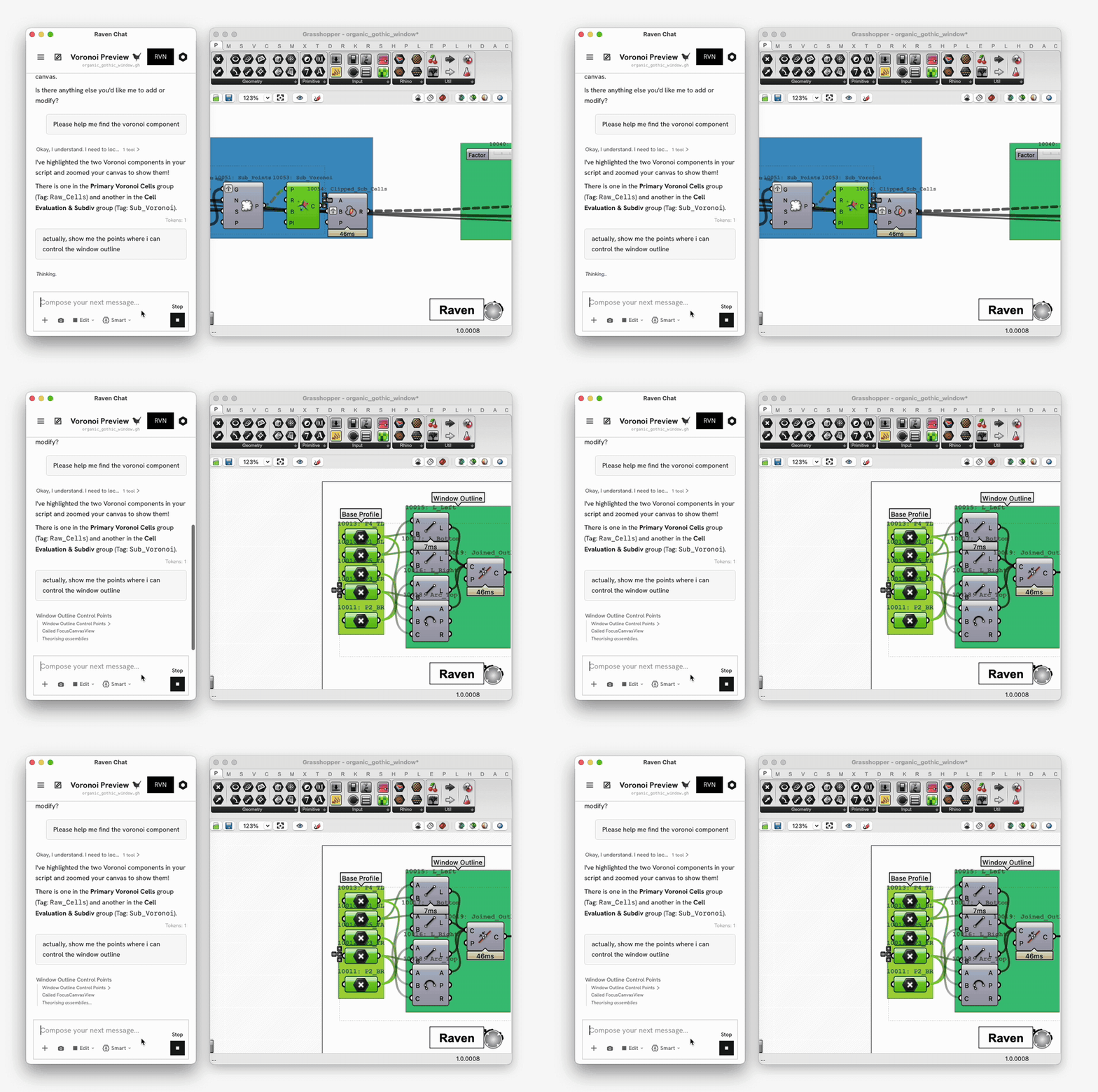
Raven can frame components or groups — panning and zooming your canvas so the nodes it's talking about are on screen — and select them at the same time.
This works for single components, sets of components, and whole groups.
"Please help me find the voronoi component"
Where it shows up
Guidance isn't a separate command you invoke — Raven uses it whenever pointing is clearer than describing:
- Answering "where is X?" questions
- Explaining a definition in Ask mode
- Walking you through a build in Learn mode
- Showing you what it just changed after an edit
- Pointing at the source of an error or warning